Send Media
With Send Media Card in Mark360, you can easily share audio, video, images, and documents with your customers. Attach pre-recorded files within supported formats and size limits for smooth communication.
Overview
Use this card when you want to send any type of media to your customers. Supported media types include:
- Audio
- Image
- Video
- Document
Audio
When attaching a pre-recorded audio file:
- Maximum file size: 16 MB
- Supported formats: aac, mp4, amr, mpeg, ogg
Audio Message
Send audio messages directly to your customers with this card.
Image
When sending an image:
-
Maximum file size: 5 MB
-
Supported formats: jpeg, png
-
You can also add a caption to describe the image.
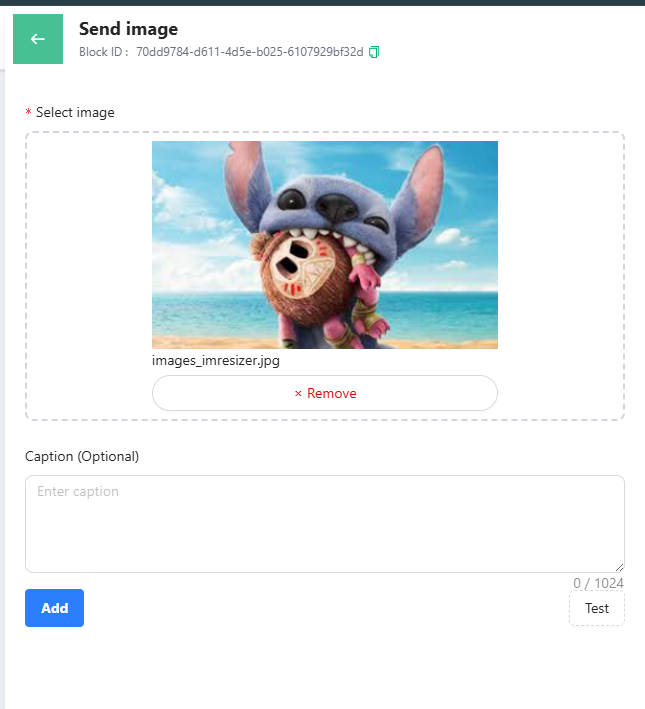
Image Message
Captions let you provide context or details about the image to your customers.
Video
When sending a video:
-
Maximum file size: 16 MB
-
Supported formats: mp4, 3gpp
-
Optionally, add a caption for additional context.
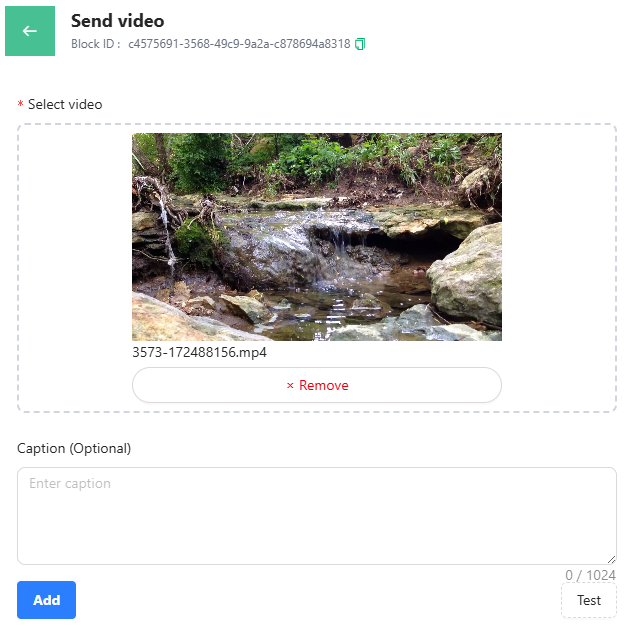
Video Message
Captions help your customers understand the video content better.
Document
When sending a document:
-
Maximum file size: 100 MB
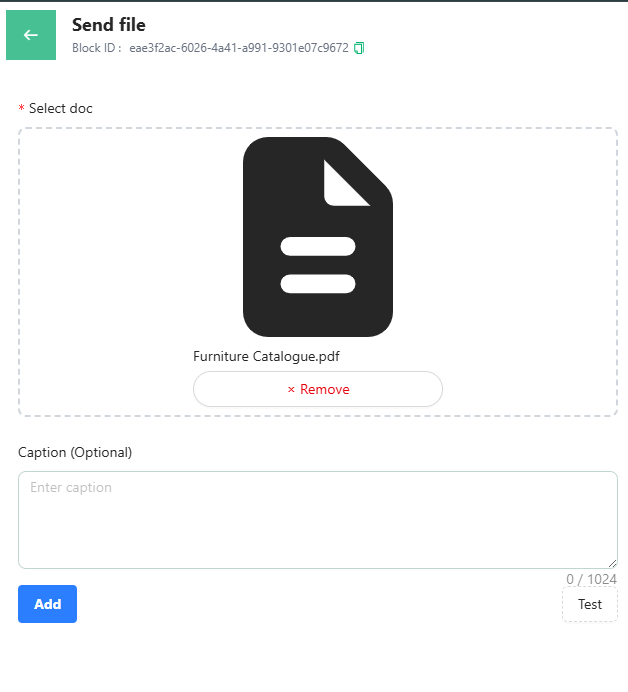
Document Message
You can either upload the file or paste a link to share the document with your customers.
Manage Your Send Media Card
When hovering over the card in Mark360, you'll see options to:
-
Duplicate the card
-
Edit the block
-
Delete the card
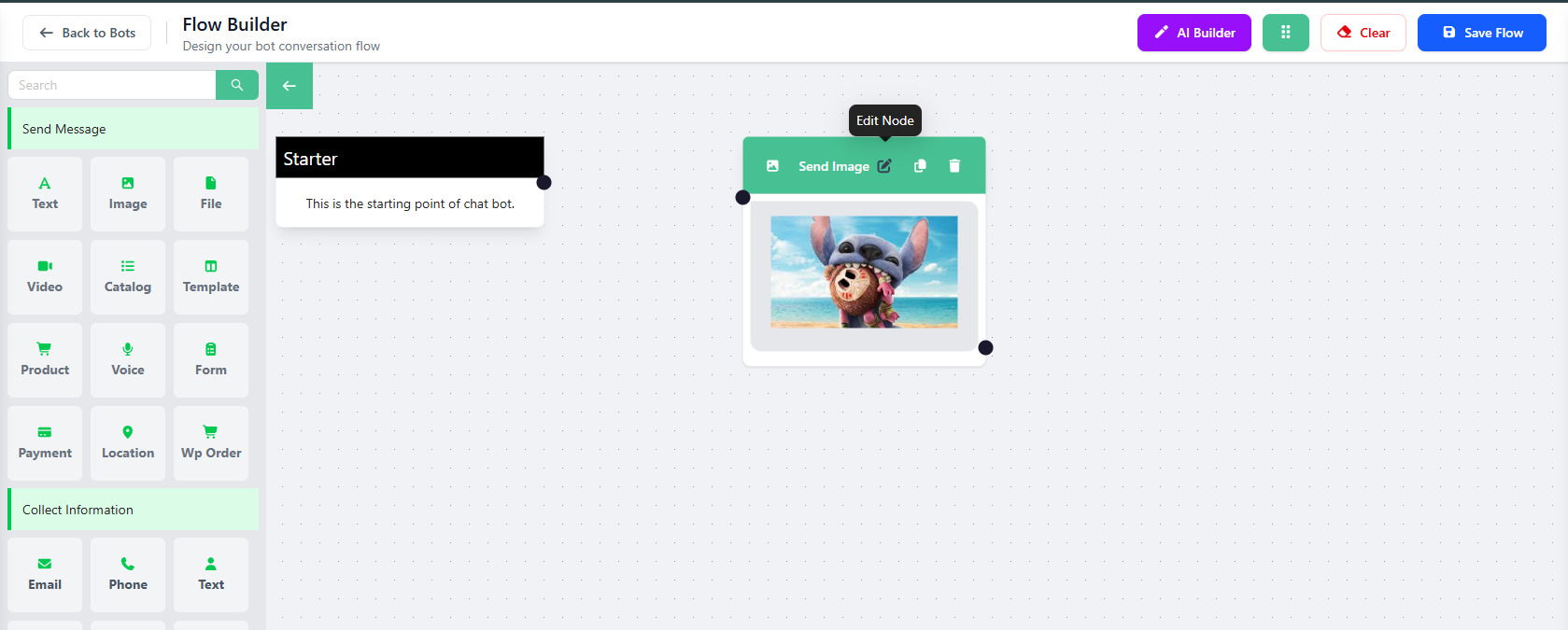
These actions make it easy to organize and manage your media messages.